What can cause an HTTPS radio stream to stop working after a certificate change?
If your HTTPS radio stream is not working after a certificate renewal or replacement, the problem may be limited to the secure listener endpoint. The station can still be running, and the same stream may remain available over HTTP, while HTTPS clients are rejected before they can request audio.
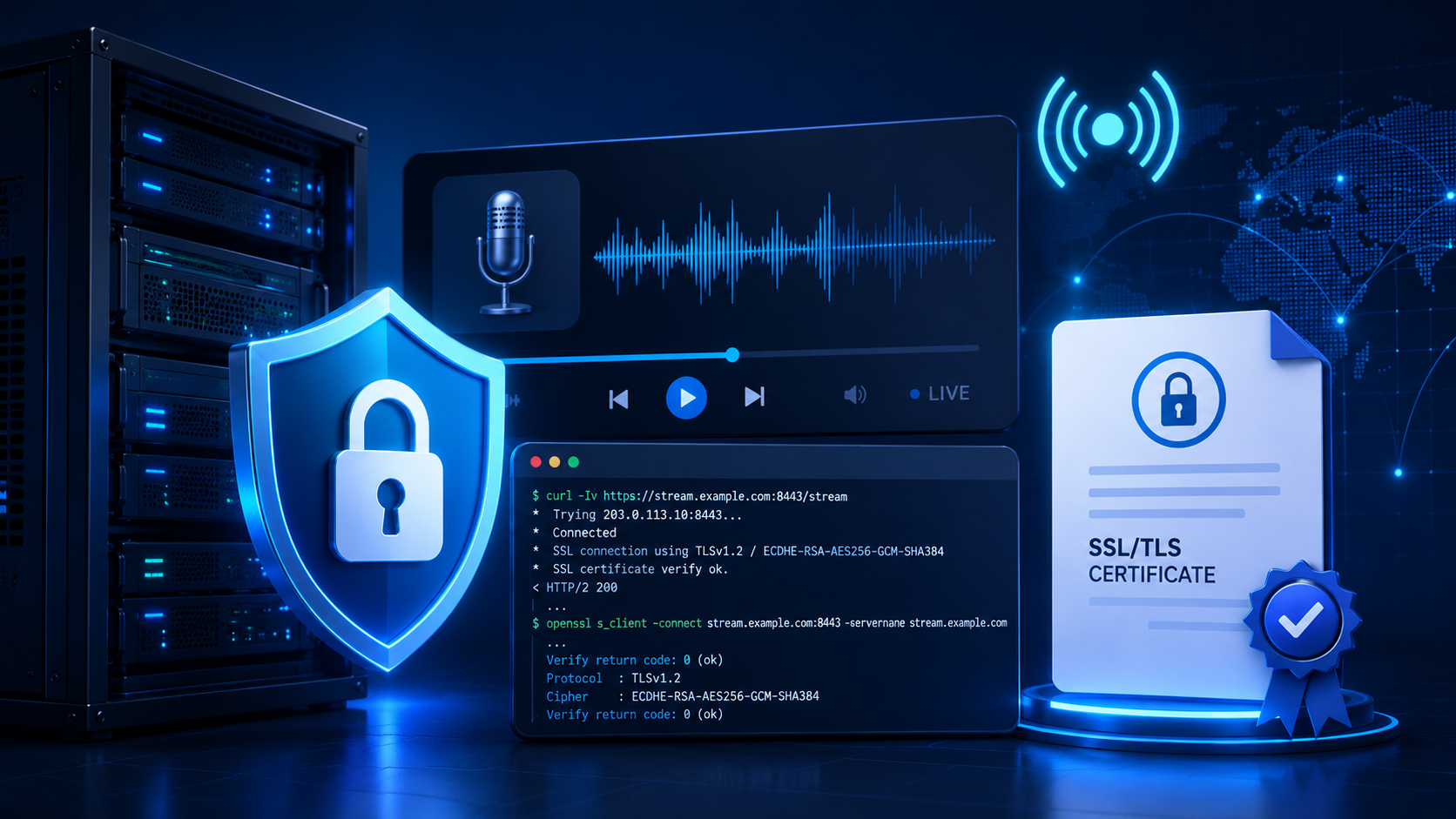
HTTPS begins with a TLS handshake, during which the client checks the server’s certificate and negotiates a secure connection. If the check fails, an Icecast or Shoutcast stream cannot be reached, even when the encoder and audio source are operating normally.
Common fault groups include an expired certificate, a hostname mismatch, an incomplete certificate chain and the wrong certificate being served. The listener may also be using the wrong HTTPS port, or a reverse proxy may be forwarding the request incorrectly. Browser-based players can additionally be affected by mixed-content blocking or cached certificate data.
This guide focuses on connection and TLS failures, not silence, buffering or intermittent drop-outs after the stream has connected.
First checks: define exactly what is failing
Before changing TLS or server settings, record the complete listener URL, including its scheme, hostname, path or mount point, and port. A missing path or incorrect port can resemble an SSL problem. Test the exact URL in a browser and then with a command-line client such as curl -Iv https://radio.example/stream. If the HTTPS endpoint fails while the HTTP version works, the fault is likely to be in the secure endpoint or its proxy rather than in the encoder or audio source.
Run the test from another device or network, such as a mobile connection. Note whether every listener is affected or only one mount point. Check whether the problem started immediately after a certificate renewal, replacement or other configuration change. Browser playback can also fail because of the player page, so testing the direct stream URL helps distinguish a player issue from a server-side failure.
A running encoder, Icecast process or Shoutcast process confirms only that the local service is running. It does not confirm that the public HTTPS port is reachable, presenting the correct certificate or forwarding requests to the stream.
Inspect the certificate in a browser
Open the direct HTTPS stream URL in a browser, using the exact hostname, path and port that listeners use. Do not substitute the server’s IP address. TLS certificates are issued for hostnames, and the result may differ when a proxy or virtual host responds to the requested name.
The stream may download or show no useful page, but the browser should still provide connection or certificate details through its address-bar security indicator. Browser interfaces differ, so check the certificate’s:
- Subject, showing the identity associated with the certificate;
- Subject alternative names (SANs), which must include the stream hostname;
- Issuer, identifying the certificate authority;
- Validity dates, including the expiry date; and
- Certificate chain, including any required intermediate certificates.
An expired date points towards a renewal or deployment failure. If the hostname is absent from the SAN list, the certificate has a name mismatch. An untrusted issuer or incomplete chain suggests a trust-chain problem. An unexpected domain usually means that another virtual host, reverse proxy or service is answering.
Record these details before changing the Icecast or Shoutcast configuration. They indicate whether the problem lies with the certificate itself or with the endpoint serving it.
Test the HTTPS stream with curl
Where possible, run curl from a machine outside the streaming server. Use the exact hostname, port and stream path supplied to listeners:
curl -Iv https://radio.example.net:8443/streamThe -I option requests headers instead of the stream body, while -v displays connection and TLS details. Some streaming servers do not handle HEAD requests correctly, so a failed result does not necessarily mean that the stream is unavailable.
To inspect redirects and headers on a conventional HTTPS endpoint, try:
curl -ILv https://radio.example.net/streamReview the verbose output for the resolved host and destination port, the result of the TCP connection, and whether the TLS handshake completes. Then check the HTTP status and response headers. A certificate verification error points towards expiry, a hostname mismatch, an incomplete chain or the wrong certificate being served. Connection refused usually means that nothing is accepting connections on that port. A timeout can indicate a firewall, routing or proxy problem. A redirect may mean that a web server or reverse proxy is handling the requested path instead of the intended Icecast or Shoutcast endpoint. An HTTP error such as 404, 403 or 500 narrows the problem to the path or the server response after TLS.
Diagnostic only: to establish whether the endpoint serves data despite certificate verification failing, run:
curl -kIv https://radio.example.net:8443/stream-k bypasses certificate verification. This can distinguish a certificate problem from a basic connectivity problem, but it does not repair the certificate and must not be used as the production solution.
Use OpenSSL to see the certificate actually being served
OpenSSL inspects the certificate presented by the live HTTPS endpoint, rather than the certificate you believe is installed. Where possible, run this from a machine outside the streaming server:
openssl s_client -connect radio.example.net:8443 -servername radio.example.net -showcertsThe -servername option sends the hostname using Server Name Indication (SNI). This matters when one server hosts several domain names; without it, the server may return a default certificate for a different name. Replace the example hostname and port with the exact address used by listeners.
In the output, examine the first, or leaf, certificate. Check its subject or subject alternative names, issuer and validity dates, including whether a TLS certificate expiry has passed. The remaining certificates should include any intermediate certificates needed to connect the leaf certificate to a trusted root. A missing intermediate can produce an Icecast SSL error or another certificate failure even when the leaf certificate itself appears valid.
For a hostname-focused verification attempt, you can also try:
openssl s_client -connect radio.example.net:8443 -servername radio.example.net -verify_hostname radio.example.netOpenSSL options and verification behaviour vary by version, so interpret the result alongside the certificate details rather than relying on a single line of output. The test may reveal that the service is presenting an old certificate, listening on the wrong HTTPS port or sitting behind a reverse proxy with its own TLS configuration. The certificate shown here is the one listeners encounter, which may differ from the current selection in a hosting panel. Remove private keys, tokens and other sensitive details before sharing the output.
Match each common certificate error to its likely cause
Check the certificate served by the live endpoint rather than the certificate file you expected the server to use. A browser warning can have several causes, so confirm the result with curl or openssl, comparing responses from more than one network where possible.
- “Certificate has expired”: check the certificate’s Not Before and Not After dates. Confirm that the server clock is correct and that renewal completed successfully. A renewed certificate on disk has no effect if Icecast, Shoutcast or a proxy is still serving the old certificate.
- Hostname mismatch: compare the hostname in the stream URL with the certificate’s Subject Alternative Names. The name must match the address requested by listeners, including any separate hostname used for a mount point or HTTPS endpoint.
- “Unknown issuer” or “unable to build certificate chain”: the server may be sending only the leaf certificate. Configure the listener or TLS-terminating proxy to send the required intermediate certificates as well. The client normally already has trusted root certificates.
- An unexpected certificate: investigate virtual-host selection and SNI, particularly when several domains share an address. Check whether a reverse proxy, CDN, old listener or different HTTPS port is serving the connection instead of the intended Icecast or Shoutcast service.
- Protocol or handshake error: check whether the streaming software or proxy supports a current TLS configuration and compatible cipher suites. Update or reconfigure outdated components rather than restoring insecure legacy protocols to make the connection work.
If the certificate is correct but the endpoint still fails, investigate the HTTPS port, proxy routing or mixed-content rules separately.
Check Icecast and Shoutcast HTTPS settings without assuming the server layout
After confirming the certificate presented by the public endpoint, distinguish the radio stream SSL certificate from the streaming software itself. A valid certificate does not show that the stream listener, port or proxy is configured correctly.
Icecast
With Icecast, check that HTTPS is enabled on the listener serving the public stream URL. Its address and port must match the URL used by listeners. The configured certificate, private key and any required intermediate chain must belong together and be readable by the Icecast service. Directive names, supported options and file layouts vary between Icecast versions and installations, so use the documentation for the version running on the server instead of copying an example from another system.
Shoutcast
Investigate a Shoutcast HTTPS stream in the same way, but do not assume that the Shoutcast daemon terminates TLS. A web server, reverse proxy, load balancer or CDN may handle HTTPS and forward the stream to Shoutcast over an internal connection. Identify the component that presents the certificate and the port that exposes the secure endpoint. Configure and test that component rather than only the streaming daemon.
After changing a certificate, key, chain, listener or proxy rule, reload or restart the responsible service according to its documentation. Inspect its logs for an Icecast SSL error, a key or certificate parsing failure, a permission problem, a bind failure or an upstream connection error. If the public endpoint still presents the old certificate, either the change was made in the wrong TLS termination layer or the relevant service has not reloaded its configuration successfully.
Verify the HTTPS port, reverse proxy and certificate routing
Test the exact stream URL used by listeners, including its hostname, port and mount point. A certificate may be valid on a station’s website while the stream uses a different port or service with separate TLS settings.
- Confirm that the public port is served by Icecast, Shoutcast or the reverse proxy.
- Check the firewall, NAT or port-forwarding configuration, along with any provider-level network rules for that port.
- Run
curl -Iv https://radio.example:8443/mountand inspect the connection, certificate name and any HTTP redirect. - Run
openssl s_client -connect radio.example:8443 -servername radio.exampleto see which certificate is presented on that port.
Testing port 443 only confirms that the service on port 443 is configured correctly. It does not validate a secure radio stream on port 8443, 8000 or another listener.
With a reverse proxy, establish where TLS terminates. The proxy may accept HTTPS and forward plain HTTP to the backend, or attempt HTTPS to a backend that only speaks HTTP. Check that it also forwards requests to the correct Icecast or Shoutcast mount point. If the requested hostname does not match a proxy rule, the proxy may return a default certificate instead.
Follow redirects with curl -IL. A redirect to an insecure URL, the wrong port or a web page instead of the stream endpoint can make an otherwise valid radio stream SSL certificate appear to be broken.
Investigate mixed-content blocking and cached certificate information
A secure station website may still use an insecure player source. When the page loads over HTTPS but the player requests an HTTP stream, the browser may block the request as mixed content. Open the browser’s developer tools, select the Console and Network tabs, and reload the page. Messages about mixed content, blocked requests or an insecure resource indicate a player configuration issue rather than necessarily an online radio certificate error.
Check the source URL configured in the player, widget or page settings. If the endpoint supports TLS, replace http:// with the correct https:// URL, including the correct hostname, port and mount point. This is separate from a certificate validation failure. If the HTTPS endpoint presents an expired, mismatched or incomplete certificate, that certificate must be corrected at the endpoint.
Cached information can make testing misleading. Browsers, operating systems, DNS resolvers, proxies and CDN layers may retain related data after a renewal or configuration change. Test the deployed stream in a private window, on another device and over an independent network. Clearing one local cache is not enough if the endpoint is still serving the wrong certificate.
Apply the fix and verify the complete listener path
- Renew or reissue the certificate for every hostname used by listeners. A successfully issued certificate is not necessarily the one deployed to the public endpoint.
- Install the matching private key, certificate and required intermediate chain in the service that terminates TLS. This may be a web server, Icecast, Shoutcast or reverse proxy. Where file permissions apply, confirm that the service account can read the files.
- Reload or restart only the required service, following its documented configuration process. Avoid changing the stream or encoder while repairing TLS.
After deployment, retest the exact public HTTPS stream URL. In a browser, inspect the certificate and confirm its hostname and expiry. Then repeat the command-line checks:
curl -I https://your-hostname.example/streamopenssl s_client -connect your-hostname.example:443 -servername your-hostname.exampleConfirm that the renewed certificate is being presented, the chain is complete, and the response reaches the intended mount point rather than returning a proxy error or an unrelated web page.
Test the player in a clean browser session, preferably from an external network. If a proxy is involved, verify both the public certificate and the proxy-to-origin TLS connection. Record which layer produces any remaining error. This prevents a valid public certificate from being mistaken for a broken Icecast or Shoutcast stream.
Prevent the next online radio certificate error
Keep an up-to-date inventory of every listener-facing endpoint. Record the certificate names, issuing authority, expiry date, TLS termination point, HTTPS port and renewal method. Add separate entries when a reverse proxy terminates TLS before forwarding traffic to Icecast or Shoutcast.
Schedule renewal checks well before the TLS certificate expiry date. Automated issuance does not necessarily deploy the new certificate, so confirm that renewal updates the service listeners actually reach. Reload the relevant service if required.
Use a post-renewal checklist
- Check the certificate validity, hostname and intermediate chain from outside the server.
- Test the intended HTTPS port and confirm the expected HTTP response.
- Open the real mount-point or stream URL and verify that audio is available.
- Repeat the test from a network outside the server’s own hosting environment.
Keep a documented rollback plan covering the last known-good certificate, private-key pairing and service configuration. Include enough detail for another member of staff to restore it safely without guessing.
Use external monitoring for certificate-related reachability failures, as well as ordinary connection and audio checks. This can show when the station appears healthy locally but the secure radio stream is unavailable to listeners. See stream uptime monitoring for online radio for the role of outside checks.